EthoVision's setup process is designed with efficiency and flexibility in mind, so you can focus on what truly matters — your research.
EthoVision makes setting up experiments straightforward with pre-configured templates and automatic detection settings. This helps reduce setup time, allowing you to focus more on your research. Organizing your trial list with key variables like age, treatment, and identification number ensures easier data selection and analysis, helping streamline your research workflow. EthoVision features automated detection settings that make tracking easy and highly accurate. Using trained neural networks and subtraction-based detection, EthoVision adjusts for lighting conditions, background noise, and subtle movements, ensuring robust tracking without manual adjustments. This automation simplifies your workflow, allowing you to focus on your research rather than fine-tuning settings, and ensures consistent results even in more complex environments. Whether you're working with rodents, zebrafish, or other animals, EthoVision's automated detection ensures smooth, reliable tracking from the start. EthoVision makes it easy to track movement from prerecorded videos or live camera feeds. Whether you're working with an open field or a radial arm maze, setting up your arena is as easy as four simple steps: Want to use EthoVision with DanioVision? Zone definition for a well plate is done automatically, making setup even easier. Deep learning relies on CUDA 12.2. GPU driver must support this version. EthoVision is the core of your lab, providing efficient, reliable data collection and analysis for your experiments. We aim to make it easy to use, without technical worries. Curious about this product but not ready to decide yet? Just let us know what you need: more information, a price quote, a free trial, a demo, or an online meeting with one of our specialists. We're here to help you with the next steps to finding your solution. We will get back to you within one business day. We'll get back to you shortly. Please correct the following errors: We look forward to seeing you at the NoldusViso launch event. Please correct the following errors:Effortless setup
Contact our sales team
arrow_forward
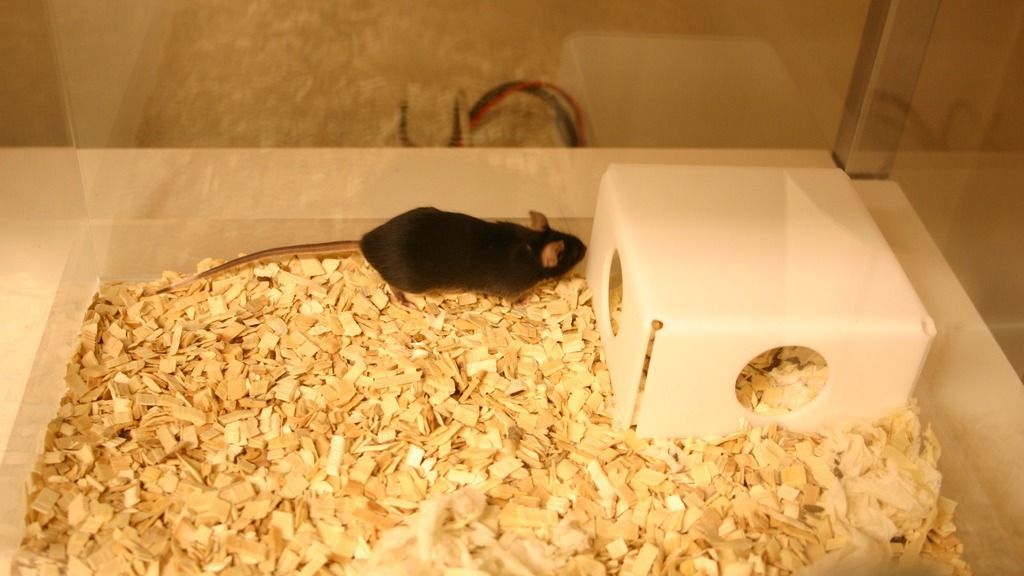
Your research your way
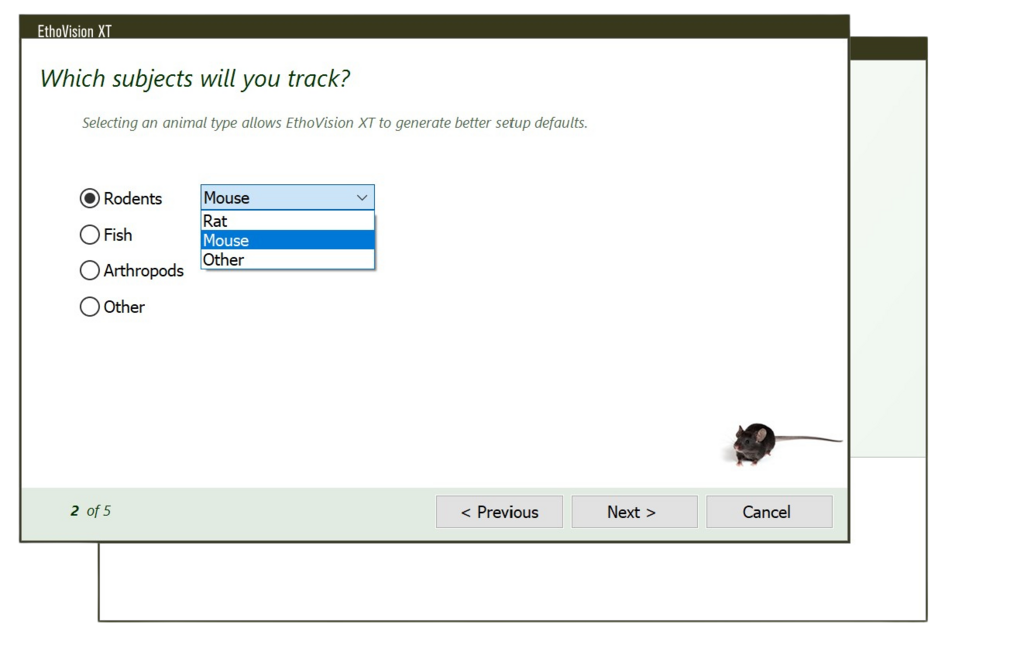
Easy experimental startup
Trial list and data management
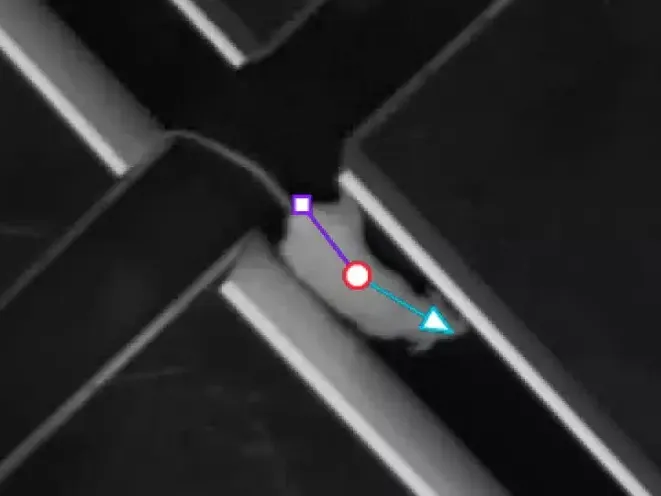
Automated animal detection
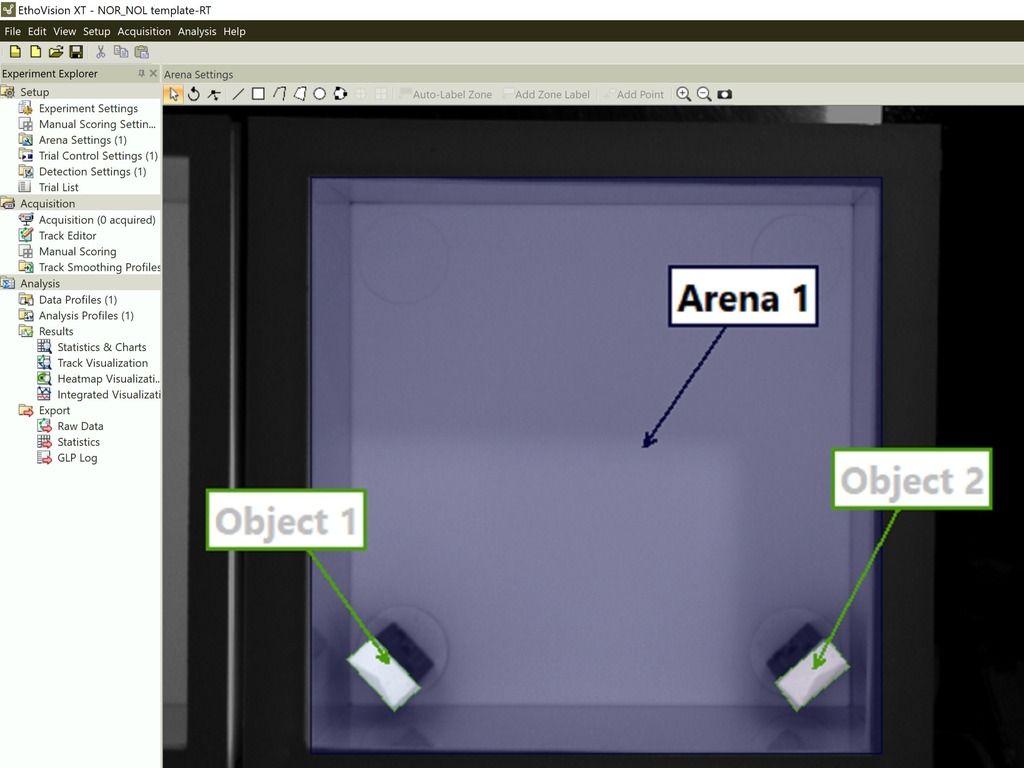
Customize your arena and zones
Which hardware do I need?

Minimum PC specifications

Supported specifications
For deep learning users, a more powerful GPU is essential to handle complex computations. Investing in the right hardware ensures better data and more reliable results.Want more info?
Thank you!
Thank you!
Thank you for registering!