FaceReader analyzes facial expressions from a camera or from images/video files you already have. You can run it in your own lab, collect data online, or build it into your software. Whichever setup you choose, a camera and a computer are enough to get started.
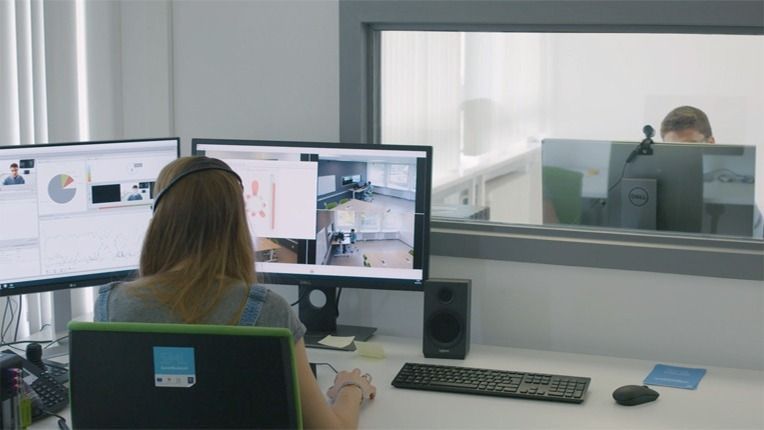
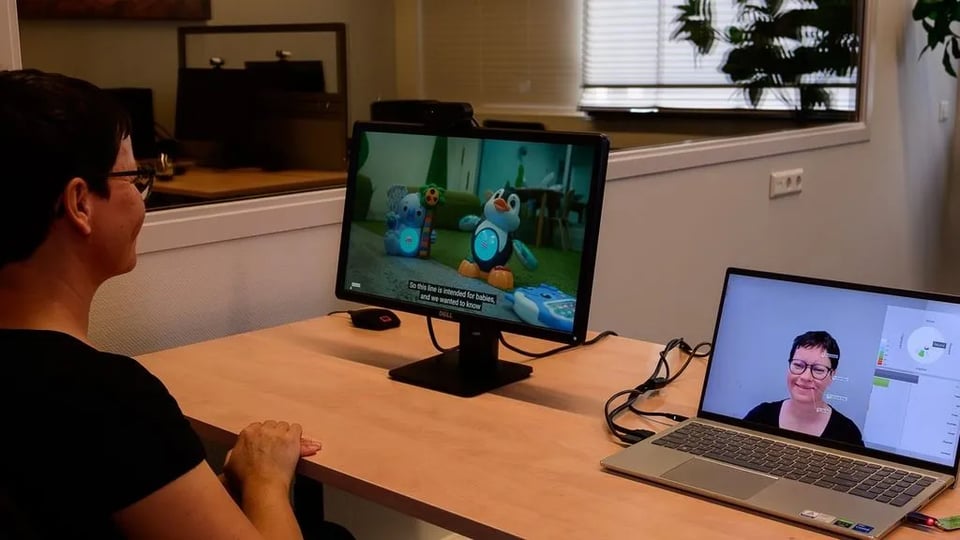
On this page you’ll find: Run your study on site, with full control over the environment. Use a fixed camera or a webcam to record participants and analyze the data live or afterwards. Collect data from participants anywhere in the world, without inviting them to your facility. Participants take part from their own location. The Software Development Kit (SDK) works on Windows and Android and can run on a PC or server. It is available on request, based on a separate agreement. Every setup requires a camera and a computer. For more details, download the technical specifications. The table below shows what each option requires. Minimum requirements: Windows 11 Pro (64-bit), Intel Core i5 (8th Gen) / AMD Ryzen 5 (4000 series), 8 GB RAM, and AVX2 support. FaceReader offers models for different participant groups. General – The standard model for most studies and participants. East Asian – Optimized for East Asian faces, for more accurate analysis of participants of East Asian descent. Baby – For infants between 6 and 24 months old. Based on the Baby Facial Action Coding System (Baby FACS) and includes 14 Action Units specific to infants. Good recordings lead to more reliable results. Read how to optimize your analysis Place the camera at eye level or just below the screen. Point the camera straight at the participant’s face. Light the face evenly from the front. No bright light behind the face, no strong shadows. FaceReader is installed on-site and follows strict privacy-by-design principles. The software analyzes facial expressions and Action Units, but it cannot recognize or identify faces or people. This makes it unsuitable for surveillance, and it cannot be used as a lie detector. You require informed consent from every person whose facial expressions are analyzed. As the user, you decide how to obtain consent, for example with an explicit opt-in, and you make clear how the data will be used and stored. FaceReader is intended for research purposes. Read more about our policy on ethics in facial expression analysis. Curious about this product but not ready to decide yet? Just let us know what you need: more information, a price quote, a free trial, a demo, or an online meeting with one of our specialists. We're here to help you with the next steps to finding your solution. We will get back to you within one business day. We'll get back to you shortly. Please correct the following errors: We look forward to seeing you at the NoldusViso launch event. Please correct the following errors:How to set up FaceReader
Contact us
arrow_downward
Choose your setup
Stationary lab

FaceReader Online

SDK integration
What computer hardware do I need?
Stationary lab
FaceReader Online
SDK integration
Camera
Fixed camera or webcam
Participant’s own webcam
Camera or video source
Computer
Windows computer for analysis
Windows computer for analysis
Windows or Android device, PC or server
Optional
Laptop or screen, Lightning equipment
–
–
Choose your model
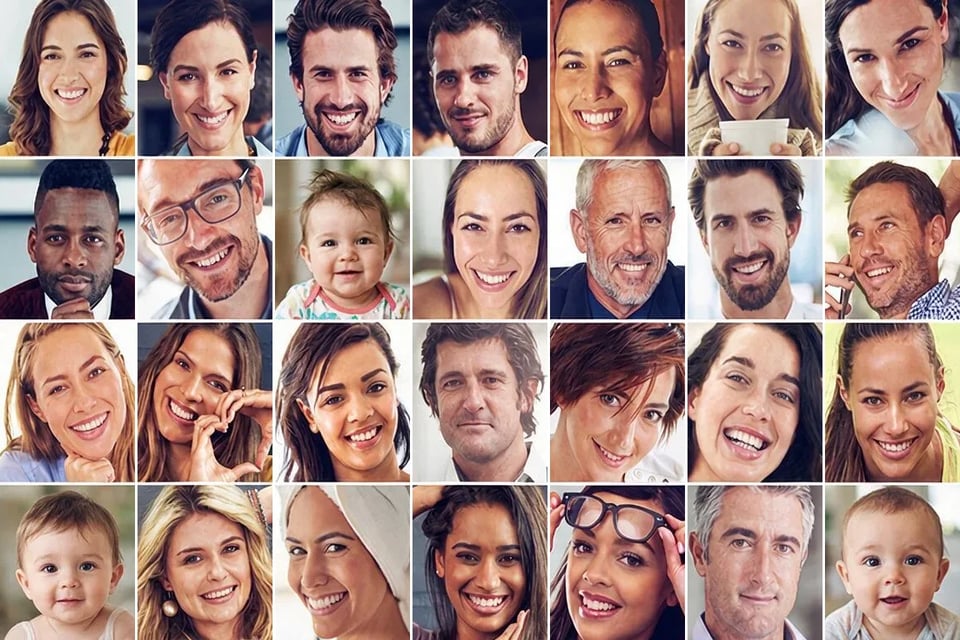
Get the best results from your recordings
Camera at eye level
Face the participant
Light from the front
Avoid backlight
Privacy & ethics in FaceReader
 Purdue University
 Harvard University
 TNO
 University of Washington
 Danish Technological Institute
 Universität Leipzig
 B-com
 WUR
 LSE
Purdue University
Harvard University
TNO
University of Washington
Danish Technological Institute
Universität Leipzig
B-com
WUR
LSE
Want more info?
Thank you!
Thank you!
Thank you for registering!
