EthoVision XT Resizer error (ID 8359)
Last updated: Aug 24, 2026
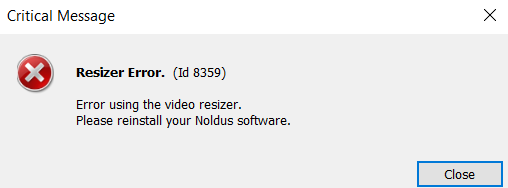
If, when you try to grab a background image in the Arena Settings, you receive a warning message "Resizer error (Id 8359)", the Resizer component is missing or has been corrupted.
Solution: Reinstall Noldus ResizerFilter
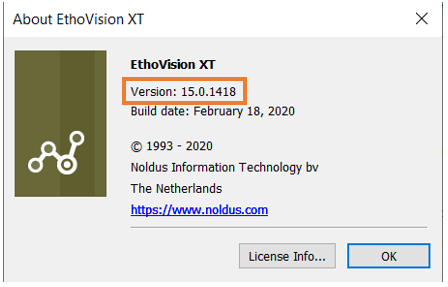
It is likely that the issue involves the Noldus ResizerFilter is missing/corrupt, so please download the version from MyNoldus that corresponds to your EthoVision XT version. If unsure of your EthoVision XT version, you can check by going to Help > About EthoVision XT on the menu. Links for recent versions are included in the table below.
|
EthoVision XT version |
Noldus Resizer Filter version |
|
16.0, 17.0 |
|
|
14.0, 15.0 |
|
|
12.0, 13.0 |