What to do if the Tobii Eye Tracker is not found
Last updated: Aug 24, 2026
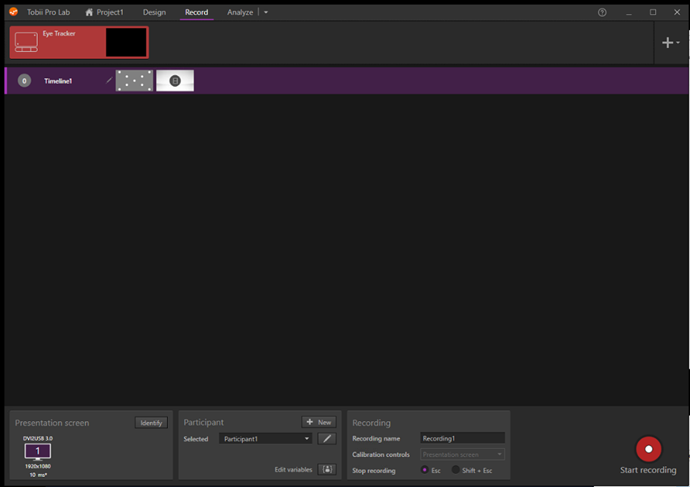
Sometimes, if you open Tobii Pro Lab, the eyetracker isn’t found. After opening a Project you see a red highlighted Eyetracker under the Record tab in Tobii Pro Lab (Figure 1).
If you see this, the Tobii eye tracker will not start and it is necessary to re-enable it.
Under the Control Panel\All Control Panel Items\Network Connections disable the network for the Tobii.
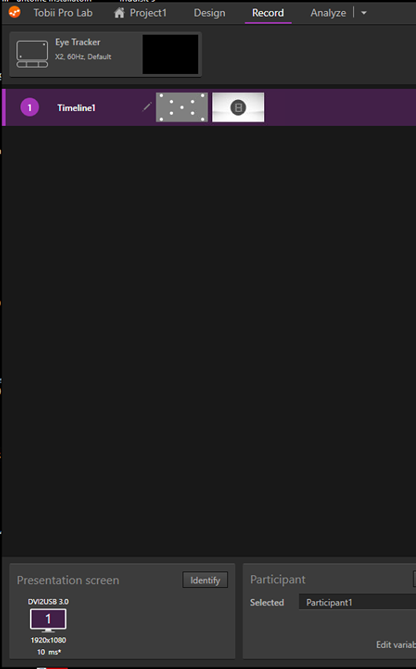
To do this right-click the Tobii Network and click the option “Disable”, right-click again and choose the option “Enable” after around 30 seconds the Tobii Eye Tracker is found in the Tobii Pro Lab automatically. You can see this, because the Eye Tracker is not red highlighted anymore and you see the type number of the eyetracker as well (Figure 2).