Ultrasonic vocalization detection made easy
Everything you need to get started with UltraVox. From system recommendations to understanding how the software works — we've got you covered.
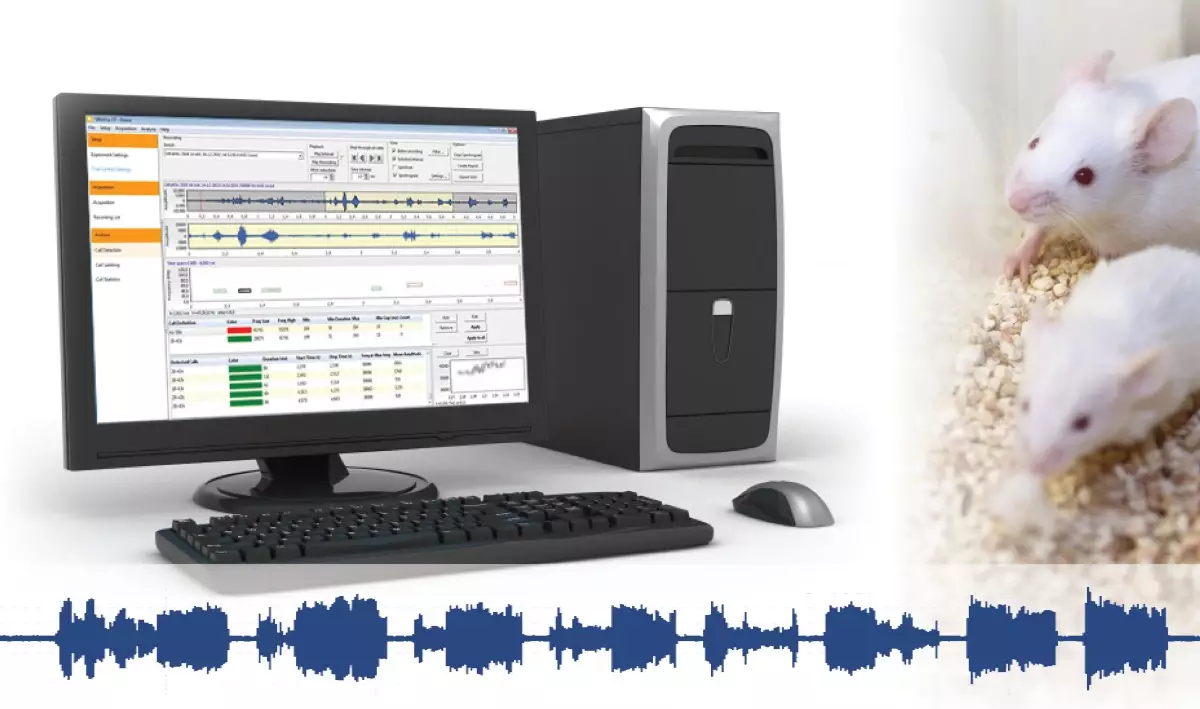
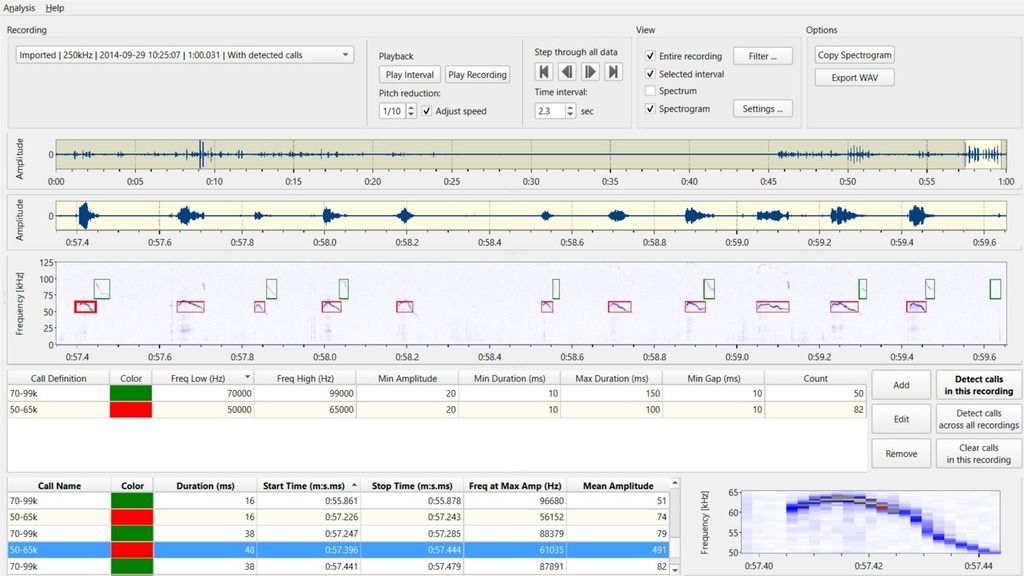
UltraVox 4 introduces a significant enhancement in its software architecture, designed to better serve the needs of animal behavior researchers. USB microphones record full spectrum sound from up to four arenas simultaneously. UltraVox can also analyze imported audio. Data are easily exported to your favorite video tracking platform, such as EthoVision XT. UltraVox 4 includes:UltraVox setup
Try it for free
arrow_forward
System recommendations

How does UltraVox work?
Want more info?
Curious about this product but not ready to decide yet? Just let us know what you need: more information, a price quote, a free trial, a demo, or an online meeting with one of our specialists. We're here to help you with the next steps to finding your solution.
Thank you!
We will get back to you within one business day.
Thank you!
We'll get back to you shortly.
Please correct the following errors:
Thank you for registering!
We look forward to seeing you at the NoldusViso launch event.
Please correct the following errors: