A NoldusViso lab allows you to record test participants unobtrusively, in an environment similar to a natural surrounding. Stable images, high quality video recordings, and clear recordings of speech and other sounds make all the difference in your results.
You might wonder which room is most suitable for your lab and what equipment you actually need. For every facility and for every purpose the lab is built for, it will look different. But here you'll find some points of interest.
NoldusViso runs your entire observation lab from a single system: a workstation or a laptop. The right specifications depend on your camera count and the number of viewers watching at once. See the attached hardware requirements guide for tested set-ups across every lab size, so you can match the hardware to your plans. With NoldusViso, recordings can occur across multiple rooms or buildings at once. This provides you with the freedom to design your training facility as needed. Both after and during the recording of the video, markers and comments can be placed at moments that are of interest. You can capture an entire screen in the recording, including synchronized audio. It is also possible to display an eye tracking gaze-overlay or facial expression data. The recorded actions, behaviors, and interactions of the participants can immediately be assessed during debriefing. Sean Rooney The London School of Economics, United Kingdom The videos recorded in NoldusViso are immediately available for debriefing. During debriefing, you can use the Presentation view to show recorded videos on a different screen, increasing the learning experience. Start and stop recordings remotely, view live video streams and play back recorded sessions anywhere and on any device. The combined view allows you to see all images from up to four cameras simultaneously. Combine NoldusViso and The Observer to turn qualitative data into quantitative results. Markers, remarks, videos, and audio can easily be imported for detailed analysis, visualization, and presentation. Curious about this product but not ready to decide yet? Just let us know what you need: more information, a price quote, a free trial, a demo, or an online meeting with one of our specialists. We're here to help you with the next steps to finding your solution. We will get back to you within one business day. We'll get back to you shortly. Please correct the following errors: We look forward to seeing you at the NoldusViso launch event. Please correct the following errors:How do I use NoldusViso?
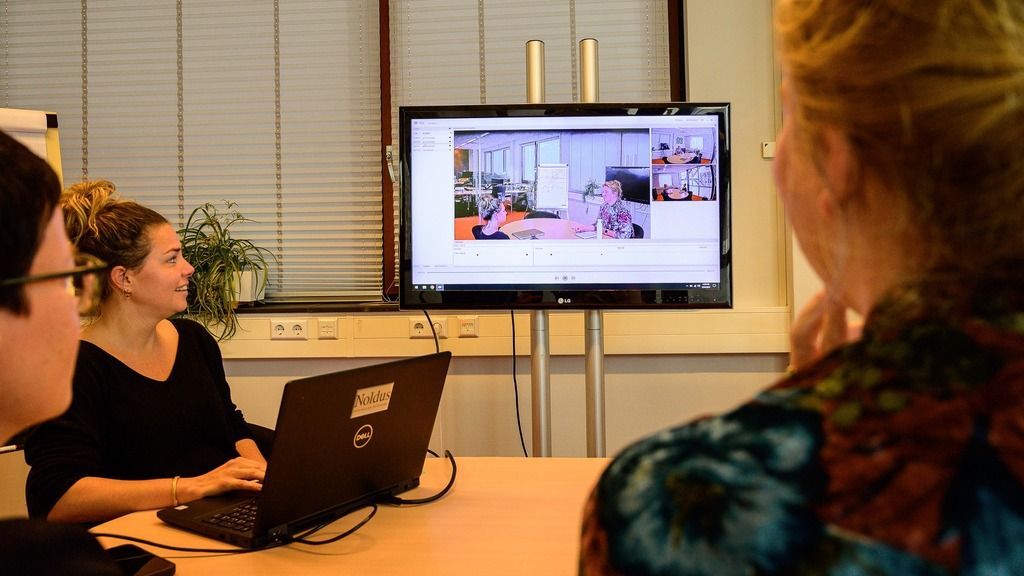
Which hardware do I need?
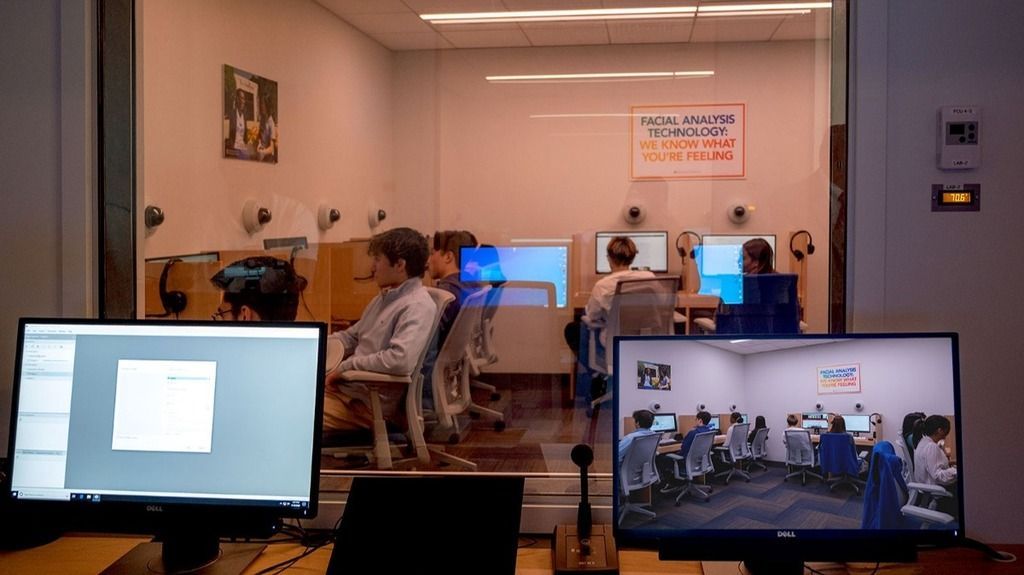
What does the software offer me?
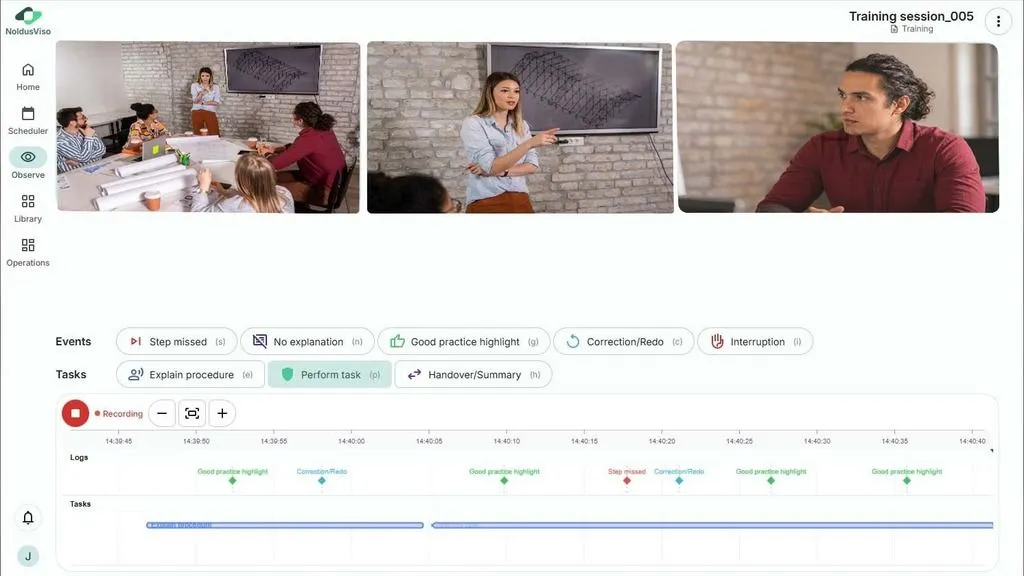
Record and play back sessions in an easy to use way
"The features of the product such as the multiple room setup, a simple user interface, the ability to have remote access, the level of support, and the ease of integration with other products and hardware made it a clear choice."
Replay and evaluate sessions
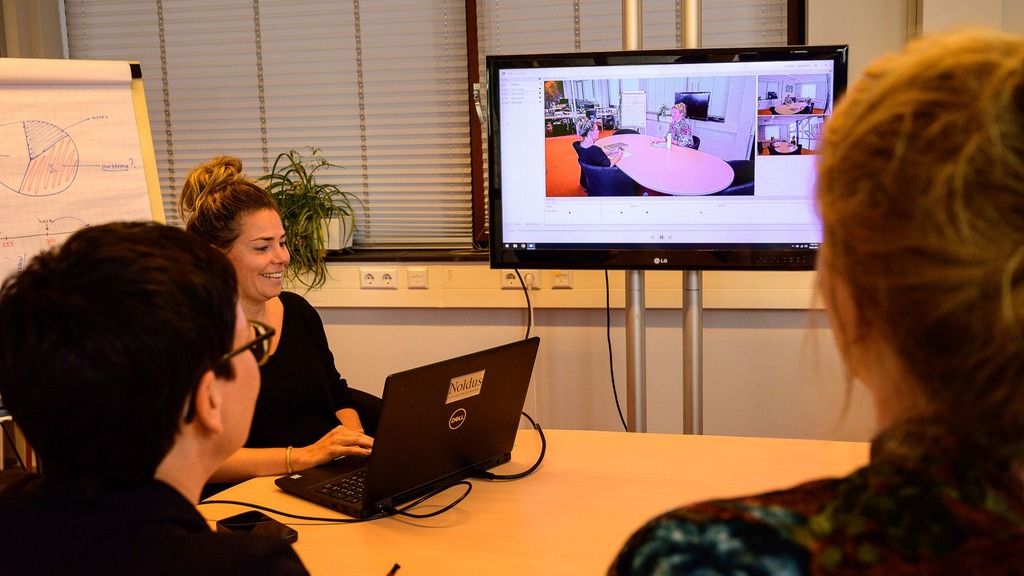
Play back and debrief quickly
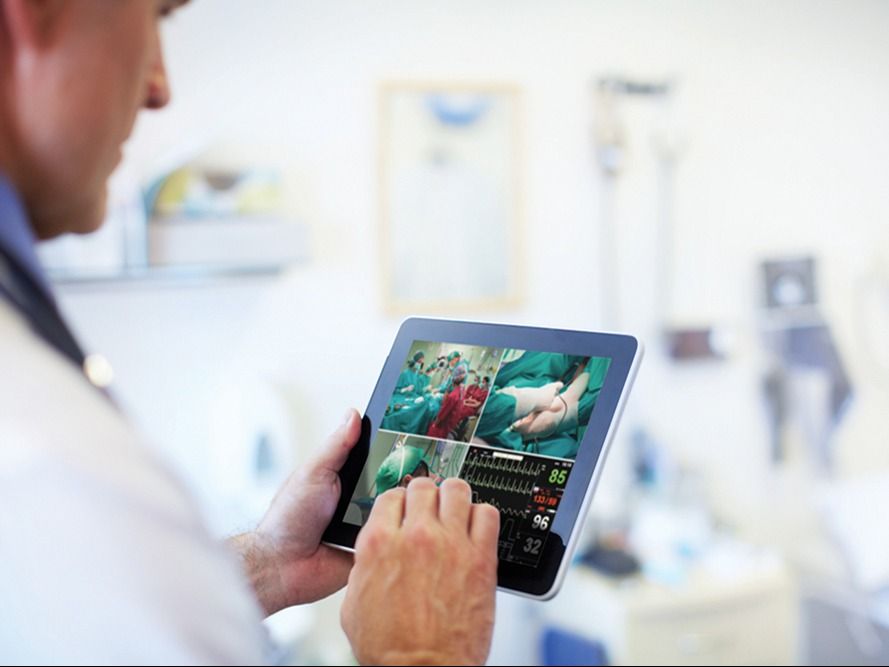
Remote viewing & control
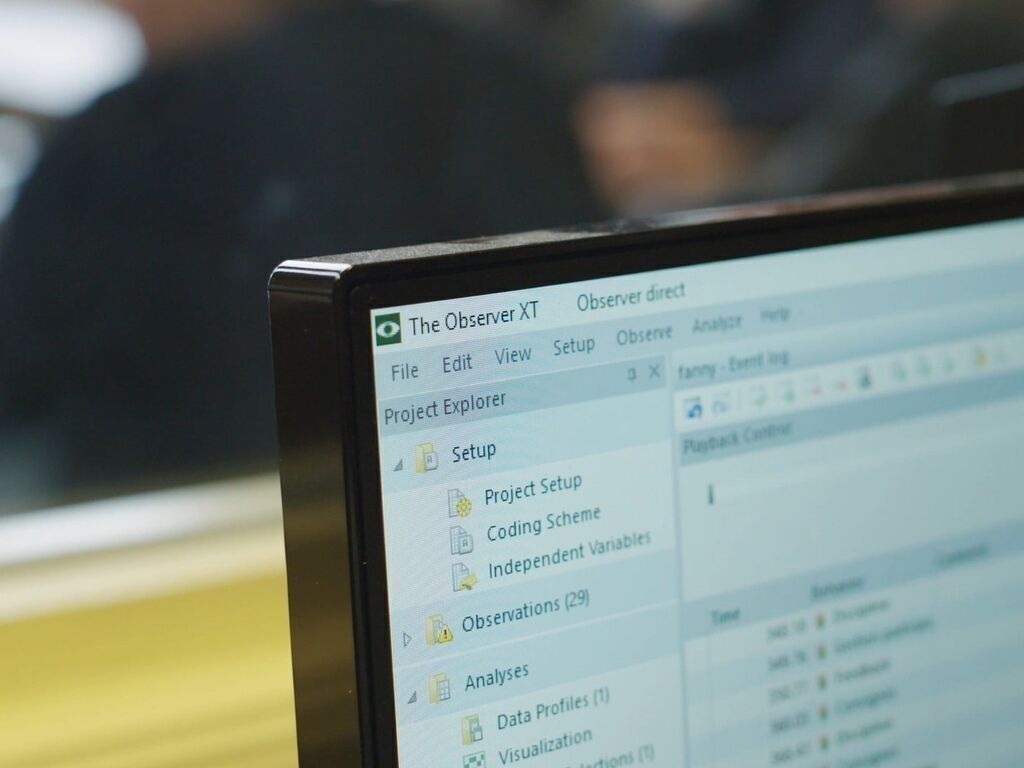
How to analyze data
 Hofstra University
 Brown University
 University of Washington
 KPN
KPN
 Nestlé
 LSE
LSE
 MMC
Hofstra University
Brown University
University of Washington
KPN
Nestlé
LSE
MMC
MMC
Hofstra University
Brown University
University of Washington
KPN
Nestlé
LSE
MMC
Want more info?
Thank you!
Thank you!
Thank you for registering!