TrackLab shows "Database error, contact Noldus support"
Last updated: Aug 24, 2026
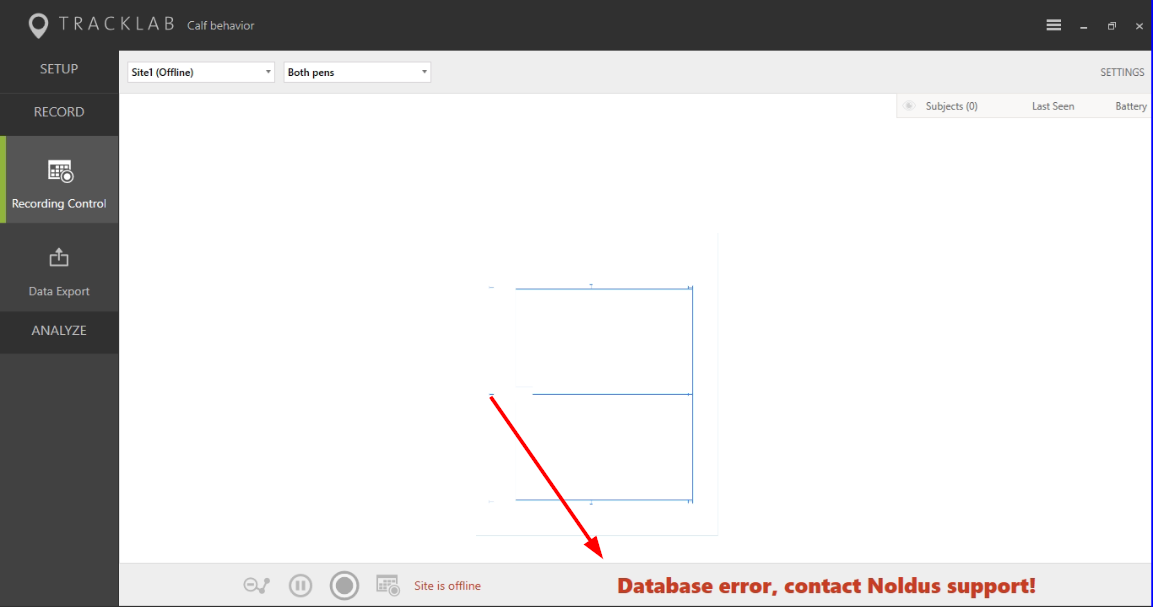
Database error, contact Noldus support!
While TrackLab was recording and it suddenly shows a message "Database error, contact Noldus support" in the "Recording Control", next to the Record and Scheduling buttons. This happens when the connection between "TrackLab Recorder" and the "N-Linx Storage Service" (storage engine) is lost.
To solve this please follow the following steps:
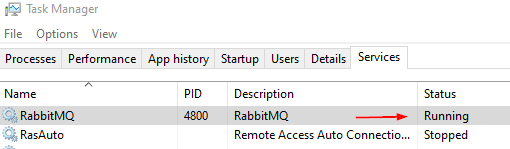
- Check and make sure that RabbitMQ service is running. If it is not running please start it.
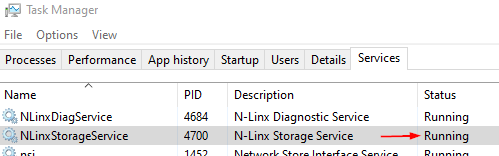
2. Check and make sure that N-Linx Storage service is running. If it is not running please start it. If it is running try to restart it.
3. If this did not solve the problem please reboot the TrackLab PC.
4. When the PC boots up check if the error is resolved. Check if the recording is running. If needed start a new recording.